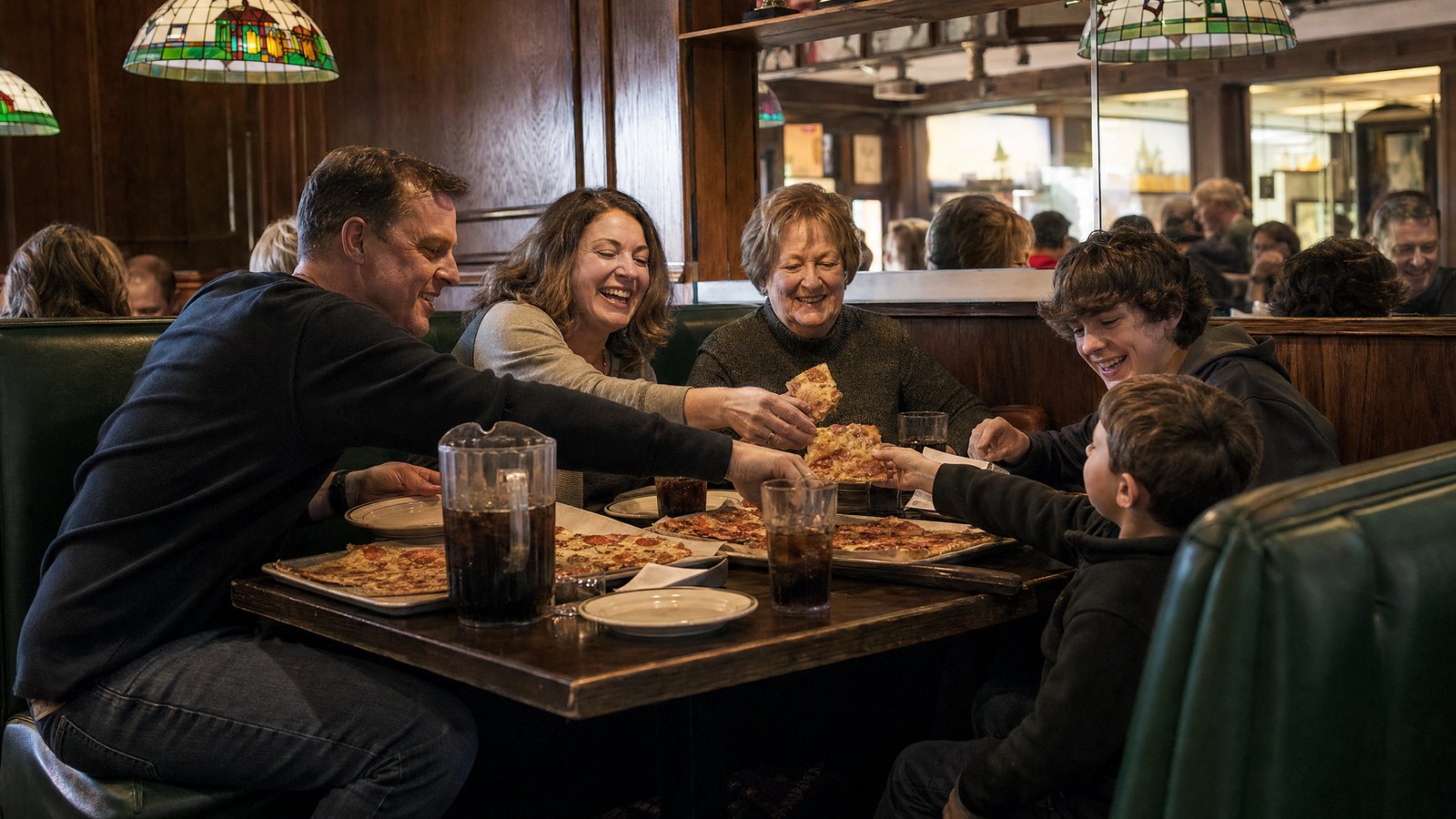
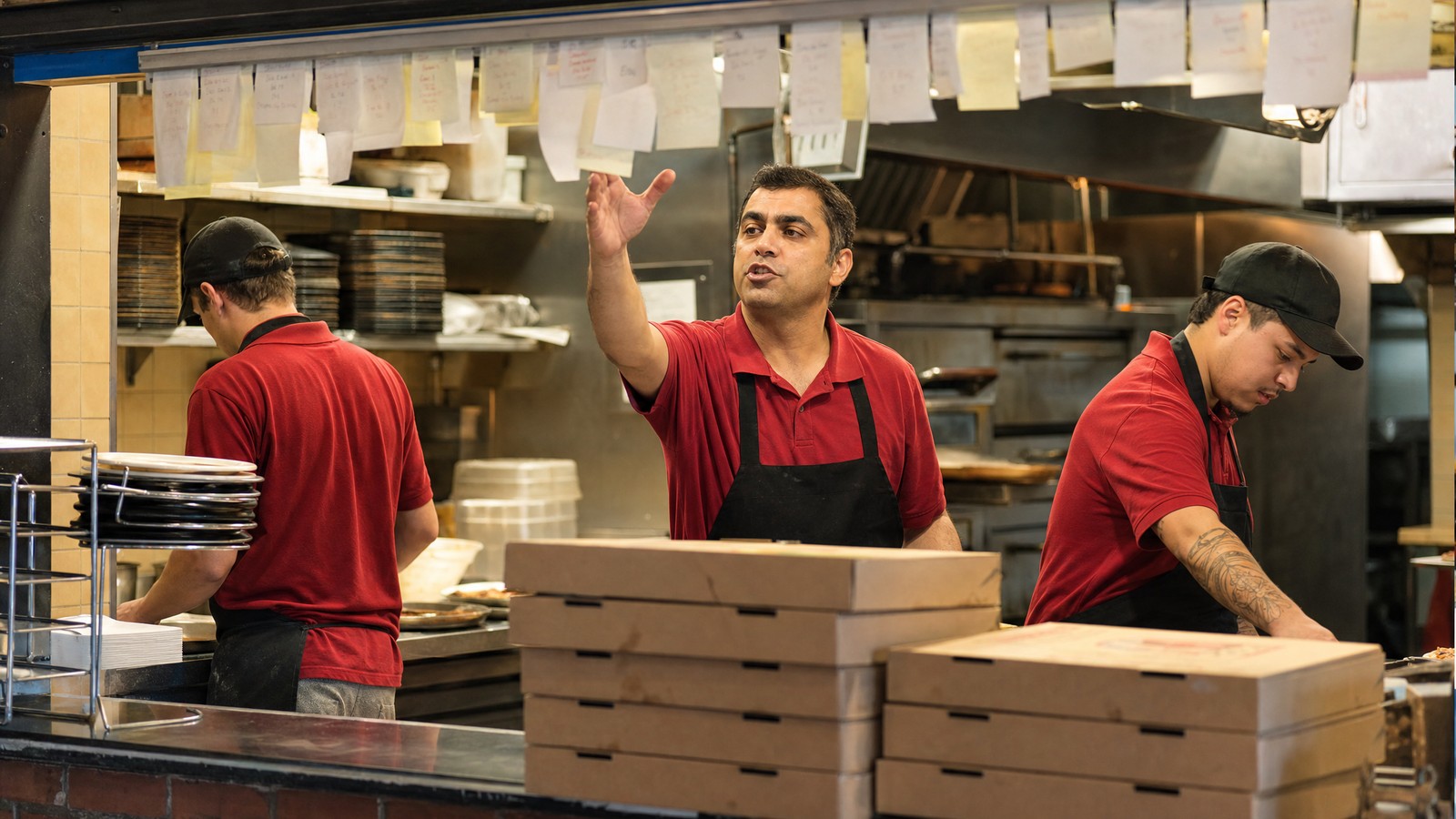
Every POS takes payments. The other four functions are what separate a register from a system that runs the business, and a pizza shop leans on all five harder than most.
The TL;DR
A point of sale system has five main functions: sales and payment processing, sales reporting, inventory management, employee management, and customer management.
In a pizzeria, each one gets tested by details a generic POS handles poorly: half-and-half pies, dough counts, delivery zones, and Friday-night labor.
A pizza POS adds native online ordering, third-party delivery, and driver dispatch on top of the five, so every order lands in one queue.
For multi-location chains, a cloud POS runs all five from one place: one menu push, one dashboard, and every store visible from a phone.
What Is a Point of Sale System?
A point of sale (POS) system is the software and hardware a business uses to take orders, accept payments, and record every sale. In a restaurant, it is also the hub that sends tickets to the kitchen, tracks what the shop has on hand, schedules the crew, and remembers who the customers are.
Older systems were cash registers with a database attached, running on a server in the back office. A modern cloud POS runs in a web browser, keeps data in one central database, and lets owners check their numbers from anywhere. For a pizzeria, that difference shows up every night of the week.
The Five Main Functions of a POS System at a Glance
| Function | What It Does | What It Looks Like in a Pizzeria |
|---|
| 1. Sales and payment processing | Takes orders, totals them, accepts payment, and closes the day | Half-and-half pies in two taps, tickets routed by station, one automated batch close |
| 2. Sales reporting and analytics | Turns transactions into numbers you can act on | Sales by hour, item, channel, and store, with labor and queue times in real time |
| 3. Inventory management | Tracks what you have, what you used, and what to order | Cheese, dough, and toppings counted by store, with ideal vs. actual usage |
| 4. Employee management | Schedules the crew, tracks labor, and handles tips | Sales-driven schedules, shift swaps, and tip pooling by position |
| 5. Customer management | Keeps profiles, loyalty, and marketing in one place | Order history by phone number, loyalty that works in store and online, SMS and email offers |
Most industry guides group POS functions this way. Order entry sits inside the first function, though in a pizzeria it deserves its own attention.
1. Sales and Payment Processing
This is the function everyone pictures. An order goes in, a total comes out, and the customer pays. In a pizzeria, the order part is harder than it looks. A large half pepperoni, half veggie with light sauce on the veggie side is one pizza with two sets of instructions. Generic systems force clunky modifier workarounds to build it. A pizza POS treats halves as a basic part of the order and shows the make line first half and second half on the kitchen display.
Payment processing should be just as flexible. A strong POS accepts cards, mobile wallets, and gift cards, closes the batch automatically, and reconciles deposits against sales. It also shouldn’t tie you to a single processor. Adora supports Heartland and Worldpay, so operators choose the processor that protects their margins.
2. Sales Reporting and Analytics
Every transaction is data. Reporting turns it into decisions: which specialty pies earn their spot on the menu, which hours need another driver, and which store is slipping.
The best reporting happens in real time. An end-of-week export tells you on Monday what went wrong on Friday. Adora monitors sales, labor, and queue times as they happen and sends alerts by app, email, or text when a store crosses a threshold the owner sets.
For pizza, the useful cuts are specific: sales by channel (counter, phone, online, and third-party), by daypart, and by item and modifier. If thin crust is outselling hand-tossed at three of your stores, reporting is how you find out.
3. Inventory Management
Cheese, dough, and toppings move fast and spoil fast. Inventory management tracks what each store has, what it used, and what it should order next.
The number that matters is ideal versus actual. If the recipes say a store should have used 300 pounds of mozzarella last week and it used 340, that 40-pound gap is waste, over-portioning, or product walking out the back door. A POS that ties inventory to the recipe behind every sale shows the gap store by store, item by item.
Adora adds purchasing suggestions based on usage and sales forecasts, dough projections based on actual usage, and store-to-store transfers when one location runs short.
4. Employee Management
Labor is one of the largest costs an operator can control. Employee management covers scheduling, time-off requests, shift swaps, labor reporting, and tips.
A strong POS builds the schedule from the sales forecast, so a Friday with a home football game gets more drivers than a slow Tuesday. Adora forecasts labor from sales, compares forecasted, scheduled, actual, and ideal labor in one report, and handles tip pooling by position or percentage, configured store by store. Multi-unit operators can share employees across stores, so a shift lead who covers two locations works from one profile.
5. Customer Management
Customer management is how a POS remembers people. It stores profiles and order history, runs loyalty, and powers marketing.
In a pizzeria, the phone number is the customer ID. When a regular calls, the order screen should pull up their address, their usual order, and any credit owed from last time. Adora ties next-order credit to the customer’s phone number, so it appears automatically the next time they call.
Loyalty should work the same everywhere a customer orders. Adora’s loyalty engine stays in sync across online and in-store orders, and unified customer profiles let you segment by store, order type, frequency, and spend for email and SMS campaigns.
See all five functions on a menu that looks like yours.
Half-and-half orders, inventory, labor, loyalty, and multi-store reporting on one cloud platform, running on the hardware you choose.
Schedule a Demo →
What a Pizza POS Adds to the Five
The five functions describe almost any POS, from a coffee shop to a clothing store. Pizza adds work most of those businesses never see, because so much of it is ordered from somewhere other than the counter.
85%+
of Domino’s U.S. retail sales in 2025 came through digital channels. Pizza customers expect to order online, and every one of those orders has to reach the kitchen cleanly.
- Native online ordering. Web and app orders should flow straight into the POS with the same menu, prices, and loyalty points, with no middleware in between. Adora also offers branded mobile apps for iOS and Android.
- Third-party delivery in the same queue. Adora integrates directly with DoorDash, Uber Eats, and Grubhub, so marketplace orders never get rekeyed by hand. Here’s how to make third-party delivery work in your favor.
- Delivery dispatch. In-house and third-party drivers are managed from one screen, and orders route to the right store based on the customer’s address and each store’s delivery zone.
- One number for phone orders. A call center can take orders for every location from a single phone number, staffed by your own employees.
How the Five Functions Scale Across Multiple Locations
A single shop can live with a POS that handles each function well inside its own four walls. A chain needs all five working across every store at once. That is the job of a multi-location restaurant POS, and it is where centralized POS management earns its keep.
- Centralized menu and pricing management. Push a new specialty pie, a price change, or a limited-time offer to every store from one place. Adora gives the home office central control of menus, pricing, discounts, and promotions.
- Store hierarchies. Reporting and permissions are set by corporate, region, franchisee, and store, so a franchisee sees their own stores and the home office sees everything.
- Cloud access with no store servers. Adora runs in a web browser, software updates push automatically, and every store is visible from a phone.
- One source of truth. A single central database keeps a customer’s loyalty points, each store’s sales, and the chain’s inventory in agreement.
As a multi-store pizza POS, Adora runs pizza brands from 1 to 1,200+ locations, and more than 200 million pizzas have been sold on the platform. For a deeper look at evaluating a chain restaurant POS system, see our guide to choosing a POS for a multi-location pizza chain.
Any POS can list the five functions. The question is whether it runs them the way a pizza shop works.
How to Choose a POS That Covers All Five
Most vendors will say they handle all five. The difference is how well, and for what kind of business. Bring these requests to every demo:
- Show me a half-and-half pizza from order entry to the kitchen screen.
- Can I choose my own payment processor?
- How does inventory compare ideal and actual usage by store?
- Does labor scheduling start from a sales forecast?
- Does loyalty work the same online, in store, and at every location?
Then ask who picks up when something breaks at 7 PM on a Saturday. Adora support is U.S.-based and live 24/7/365, with a 96% one-touch ticket resolution rate. Our 12 questions every pizzeria owner should ask a POS vendor cover the rest.
Adora was built inside a 300-location pizza chain, so every one of these functions was designed around a pizza shop from day one. See it in a working session on your own menu.