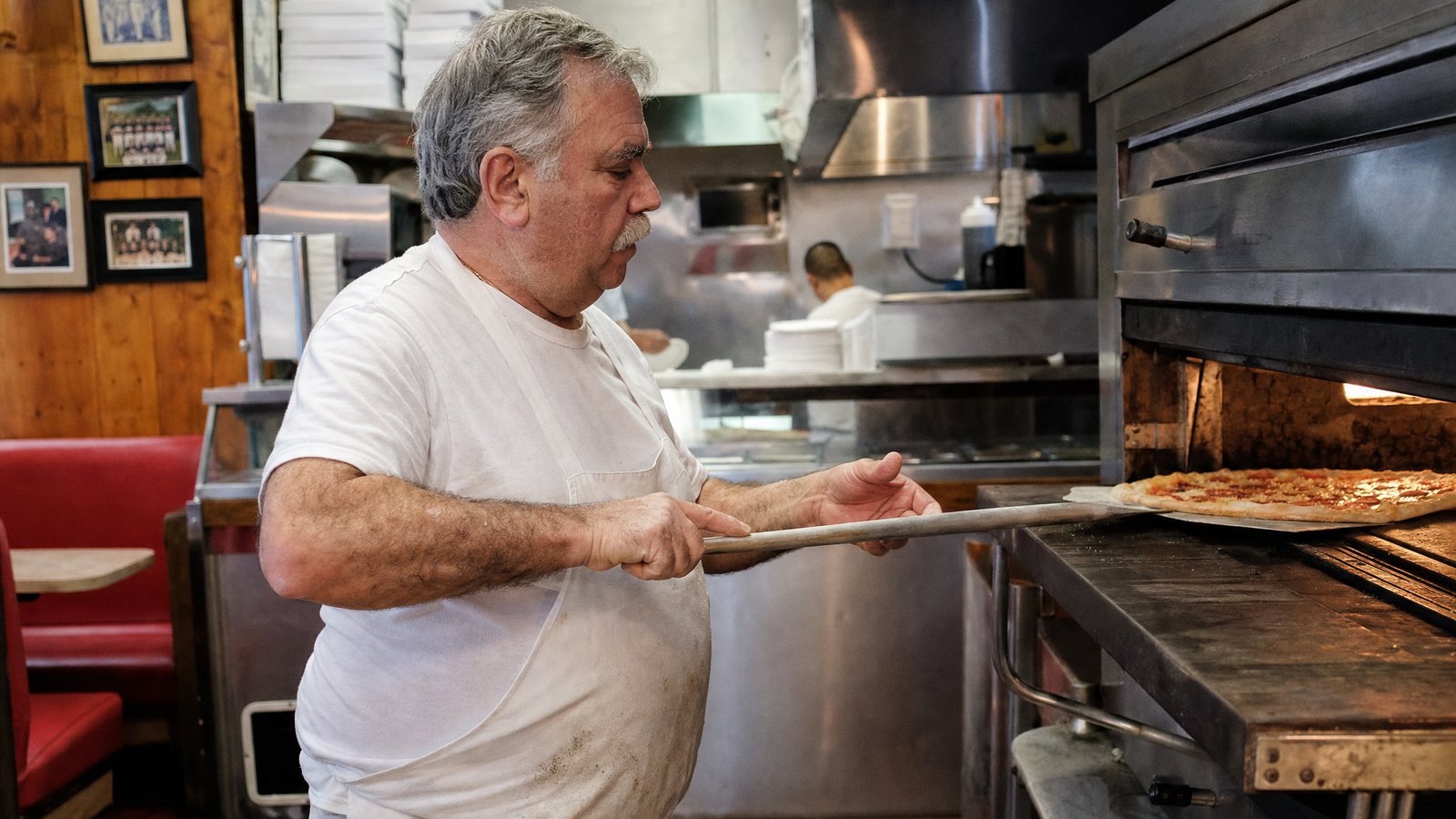
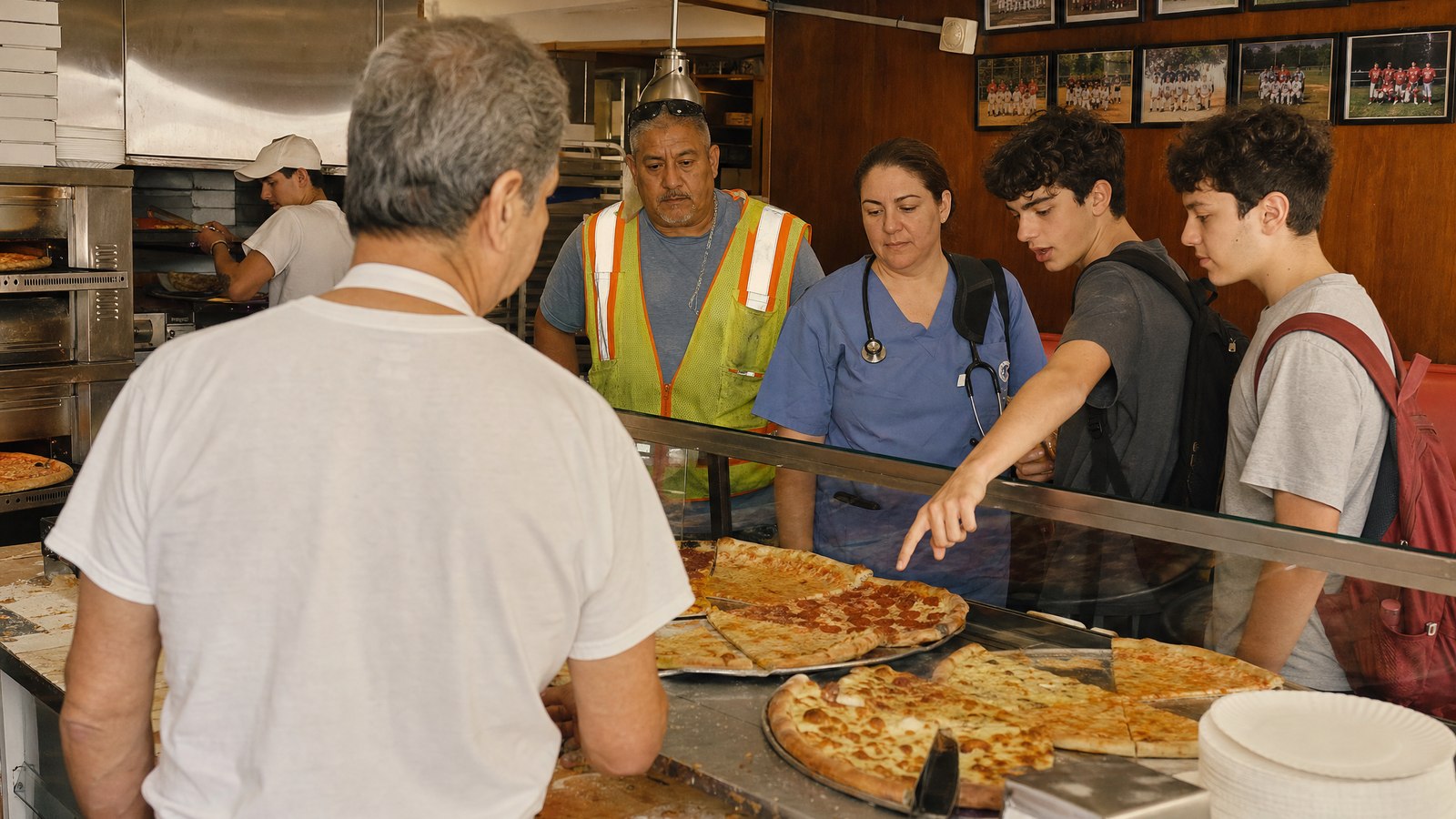
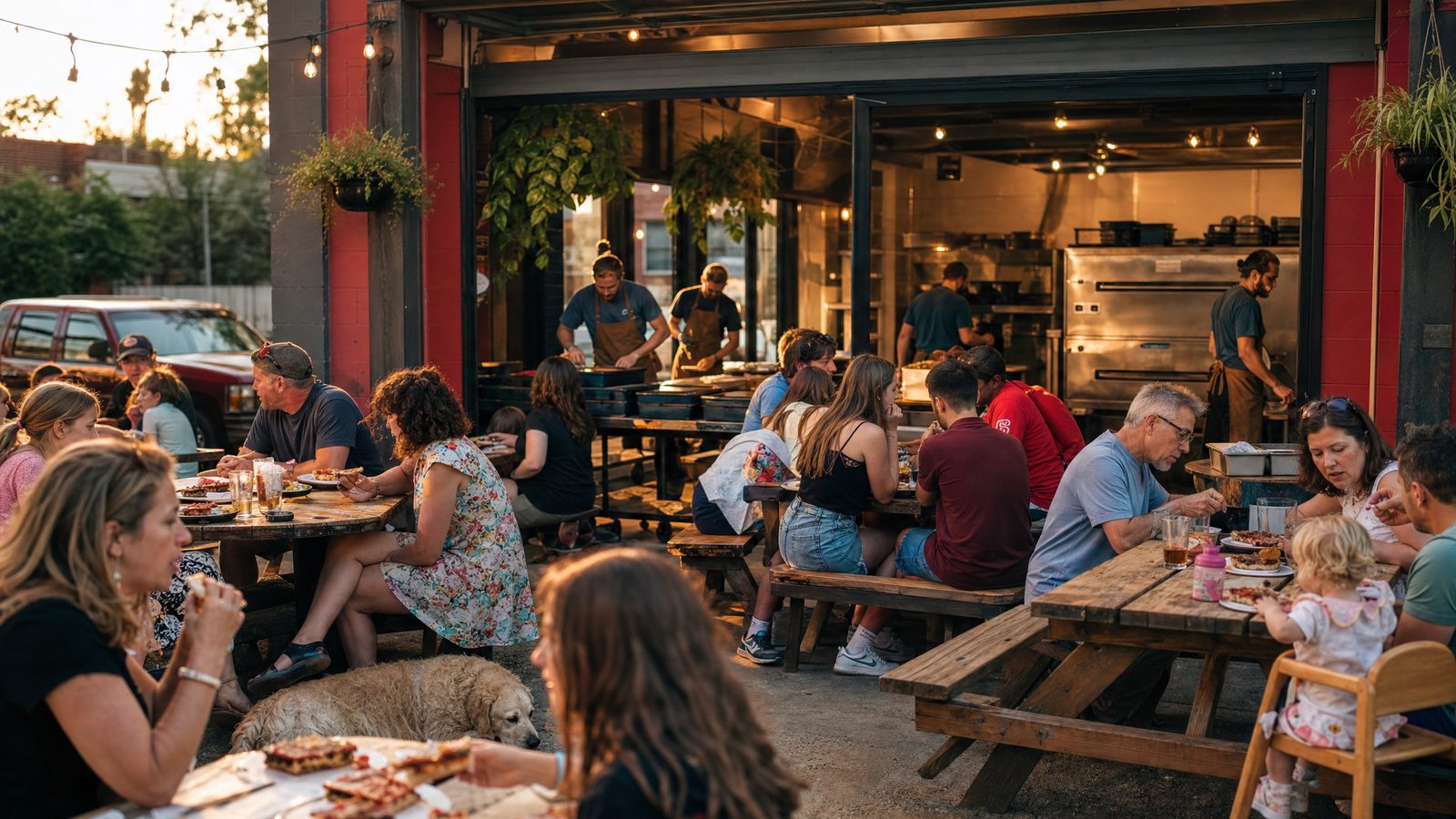
Your crew touches the POS hundreds of times a shift. Here’s how the right one takes busywork off every role in a pizzeria, from the counter to the driver’s seat to the office after close.
The TL;DR
A POS makes a pizza team’s job easier by moving memory work, re-keying, and guesswork out of people’s heads and into one system.
Every role gets something specific. Cashiers ring half-and-half pies without hunting, the make line sees only its own work, drivers get routes, and managers see the rush while it’s still happening.
It matters more every year. Restaurant turnover averaged 122% in 2025, and an hourly new hire takes about a month to become net positive. A system that’s easy to learn shortens that month.
Look for a POS built around pizza: every order channel in one queue, a kitchen display, built-in delivery dispatch, live manager alerts, and an employee app synced to the POS.
Friday, 5:52 p.m.
The board is filling. Up front, a new cashier is three screens deep looking for the button that puts mushrooms on half a pie. The phone rings again. It’s a regular who orders the same large pepperoni every week, and someone still has to ask for his address.
On the make line, a cook squints at a ticket where “no onion, left half” sits under a sauce thumbprint. Two drivers lean on the heat rack, waiting for someone to decide who takes which run. In the office, the manager is texting three people to cover Sunday close and doing labor math on the back of a prep sheet.
Nobody in that building is doing anything wrong. They’re doing their own jobs plus the system’s. That’s the simplest way to judge what a POS should do for a pizza team: take back the work the system was supposed to handle in the first place.
How Does a POS Make a Pizza Team’s Job Easier?
A point-of-sale (POS) system makes a pizza team’s job easier by handling the work that would otherwise live in people’s memory: building complex orders correctly, sending them to the right station, routing deliveries, tracking schedules and tips, and showing managers what’s happening during the rush. In a pizzeria, that takes a POS designed around how pizza is actually ordered and made, with half-and-half builds, stacked modifiers, phone and online orders in one queue, and delivery built in.
The payoff shows up in fewer remakes, shorter quote times, fewer “who’s taking this one?” moments at the heat rack, and a lot less texting after close. It also shows up in how fast a new hire becomes useful, which is where most pizza operators feel the pressure right now.
122%
Average restaurant and foodservice turnover in 2025, according to the National Restaurant Association. For fast food and counter workers, the figure was 173%.
At those rates, every crew is partly new, all the time. The National Restaurant Association’s 2026 hiring and staffing research found that an hourly new hire takes an average of 31.8 days to become “net positive,” the point where they contribute more than they cost. Every screen that’s hard to learn and every task that depends on tribal knowledge stretches that month.
A POS can’t fix turnover on its own. It can make the first shift less overwhelming and the fortieth shift less tiring.
What Changes, Role by Role
| Role | Without a Pizza-Built POS | With One |
|---|
| Counter | Hunting for modifiers and pricing half-and-half pies by hand | Rings and prices the pie the way the customer says it |
| Phone | Asking regulars for their address every time | Caller ID brings up name, address, and order history |
| Make line | Reading smudged tickets and sorting priority by memory | Each station sees its own work, prioritized by order type |
| Drivers | Waiting on run assignments and working out directions alone | Grouped runs, one-tap routing, and tips logged in an app |
| Shift manager | Learning on Monday that Friday ran over on labor | Live alerts on labor, sales pace, and queue times |
| Whole crew | Shift swaps by group text | Schedules, swaps, time off, and pay in one app |
*Capabilities vary by POS. Ask any vendor to demonstrate each row on your own menu.
At the Counter: Orders Built the Way Pizza Is Ordered
Customers don’t order “item 14 with modifier group B.” They say, “Large, half pepperoni, half mushroom, light sauce, well done.” The counter screen should follow that sentence in the order it’s spoken.
Generic restaurant systems tend to treat a pizza like a burger with extra steps, which is how a cashier ends up three screens deep while the line grows. A pizza POS lays out size, crust, sauce, and toppings by half, then prices the whole pie automatically, including the half-and-half math nobody wants to do by hand on a Friday.
Adora’s counter interface is designed to cut clicks and keep the learning curve short for every role on the crew. It handles unlimited toppings and pricing groups, applies digital coupons and promotions at the register, and adjusts card payments automatically when an order changes. Customers can split a check, pay by item, or use more than one payment method without anyone voiding and re-ringing the ticket.
On the Phone and Online: No More Re-Keyed Orders
Phone orders are where front-of-house minutes go missing. When the POS knows who’s calling, the conversation starts at the order instead of the address. With caller ID connected, a regular’s name, address, and order history are on screen before the cashier says hello. Adora also ties next-order credit to the customer’s phone number, so nobody has to remember who was promised free breadsticks after last week’s late delivery.
Every order that arrives somewhere other than the POS is an order someone has to type in again. Adora’s online ordering is native to the POS, so web orders go straight to the kitchen. DoorDash, Uber Eats, and Grubhub orders land in the same queue, which retires the row of tablets chirping next to the register. For brands that answer phones centrally, Adora’s call center runs inside the POS, so an agent can check an order’s status without calling the store in the middle of a rush.
On the Make Line: Each Station Sees Its Own Work
Printed tickets ask cooks to read everything and remember what matters. A kitchen display system (KDS) does the sorting for them. The make line sees the build, laid out by half. Cut and wrap sees what’s coming out of the oven. Nobody reads past what they need.
Priority matters as much as layout. Adora’s KDS automatically prioritizes orders by type and moves rush orders to the top of the make list, so a delivery with a quoted time doesn’t get buried behind a stack of walk-ins. When a customer changes an order after it’s been sent, the screen flags the updated or deleted item, so the change doesn’t depend on someone shouting it across the kitchen. The pass can see which orders are paid before anything goes out the door.
We walk through one order from POS to pass in What Is a KDS? How It Works in a Pizza Kitchen.
Every task that lives in someone’s memory walks out the door the day they quit. The ones that live in the system stay.
In the Driver’s Seat: Routes Instead of Guesswork
Drivers lose most of their time between deliveries: waiting for a run, sorting out which pies travel together, and working out the fastest way to three addresses in a neighborhood they don’t know yet.
Adora’s dispatch screen puts every delivery on an integrated Google Map with color-coded timing, so whoever runs dispatch can see which orders are aging. Orders can be grouped and regrouped into runs, and driver tracking shows where every driver is in real time.
On the driver’s phone, the Adora Connect app shows assigned deliveries on a live map, launches routing in the default map app with one tap, and lets drivers call or text a customer from the order itself. Drivers log tips and mark orders delivered in the app, and both sync back to the POS, which makes end-of-night cash-out a lot shorter. Here’s more on how multi-stop routing works for pizza delivery.
Give every role on your crew a system built for pizza.
Adora brings pizza-built order entry, a KDS, delivery dispatch, live KPI alerts, and the Adora Connect employee app into one cloud-native POS.
Schedule a Demo →
For the Shift Manager: The Rush While It’s Still Happening
Most managers find out a shift went sideways after it’s over. Labor ran hot, the queue backed up, the store fell behind its sales pace. By then, the only thing left to do is write it up.
Adora monitors sales, labor, and queue times in real time and sends alerts by app, email, or text when a store crosses a threshold the owner sets, in English or Spanish. A manager who sees labor creeping past target at 7:15 can send someone home. A manager who sees the queue stretching can pull a body onto the make line before quotes start slipping.
The work after close gets lighter too. Tip pooling runs by position or percentage, configured store by store, so the closing manager isn’t splitting tips on a calculator. Swap and time-off requests get approved from a phone, and overtime shows up before it reaches payroll.
For the Whole Crew: A Schedule That Lives in Their Pocket
Scheduling is the most common way restaurants put technology to work on staffing. In the National Restaurant Association’s 2026 research, 49% of operators said they use it for employee scheduling. In a pizzeria, a good schedule app retires the group text.
With Adora Connect, employees see upcoming shifts, post a shift for coverage that eligible coworkers can claim, request time off, and check their hours and pay by day and pay period. One profile can cover several stores, and the right access applies automatically when someone picks up a shift at another location. Here’s a full walkthrough of Adora Connect.
The schedule itself gets smarter. Adora’s predictive scheduling forecasts labor from sales history, including the same week in prior years, and factors in menu mix, order types, and delivery volume. The Friday of a home football game gets the drivers it needs. A slow Tuesday doesn’t carry three people leaning on the counter.
Across Multiple Locations: One Way of Working
For a pizza brand with several stores, the easiest job is the one that’s done the same way everywhere. When every location runs the same counter screens and the same station setup, a cook trained at one store can step onto the line at another without relearning anything. Employees can be shared across stores with home-store logic, so covering a short-staffed location doesn’t turn into an HR project.
Menus, pricing, and promotions are managed centrally, so a new specialty pie or a price change goes live everywhere at once, and no store manager has to re-key it before open. It’s a big part of why a pizza POS fits growing brands better than a generic restaurant POS.
What to Look For in a POS Your Team Will Actually Like
Ask any vendor to show you, on your own menu, how each role on your crew would use it:
- Counter. Can a new cashier ring a half-and-half pie with three modifiers in a few taps?
- Order channels. Do phone, online, and delivery app orders all land in one queue?
- Kitchen. Does each station see only its own work, prioritized by order type?
- Delivery. Is dispatch built in, with a driver app that handles routing and tips?
- Managers. Can they see labor and queue times live, from a phone?
- Crew. Can employees handle schedules, swaps, and time off without a group text?
- Support. Who picks up when something breaks at 7 p.m. on a Saturday? Adora’s support is live, U.S.-based, and available 24/7/365.
The Job Gets Easier When the System Does Its Part
Pizza is a team sport played at speed. Nobody on the crew needs another screen to babysit. They need a system that remembers what it should remember, routes what it should route, and stays out of the way the rest of the time.
Adora was built inside a 300-location pizza chain, around the same jobs on this list. If you want to see how it would run your Friday night, book a working session on your own menu.